Team Roping Managing Entries
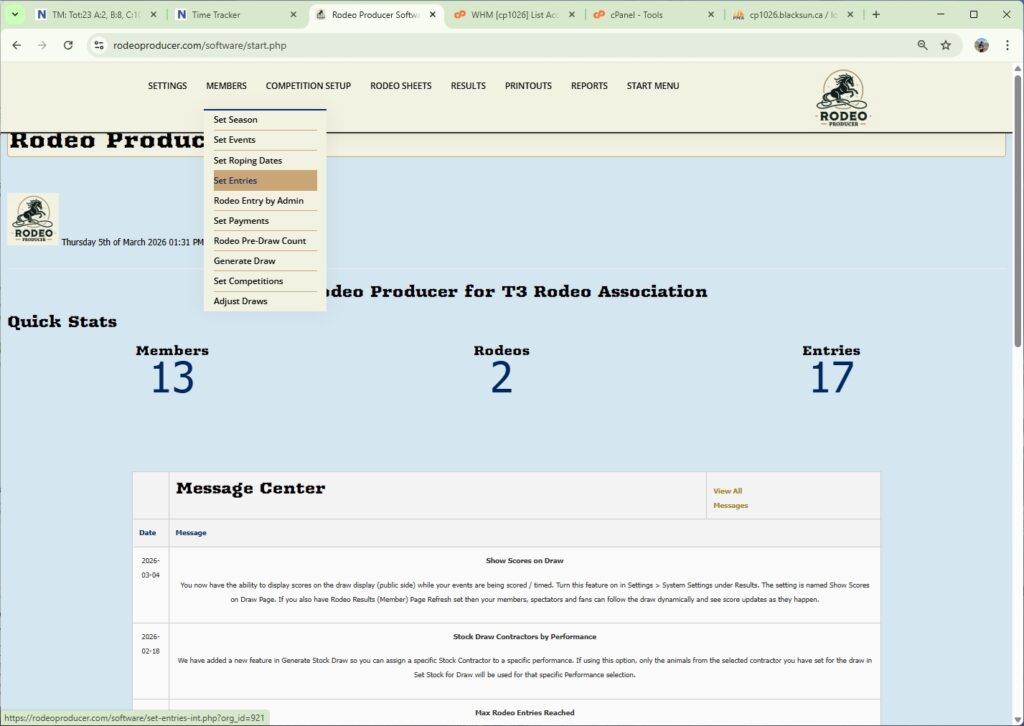
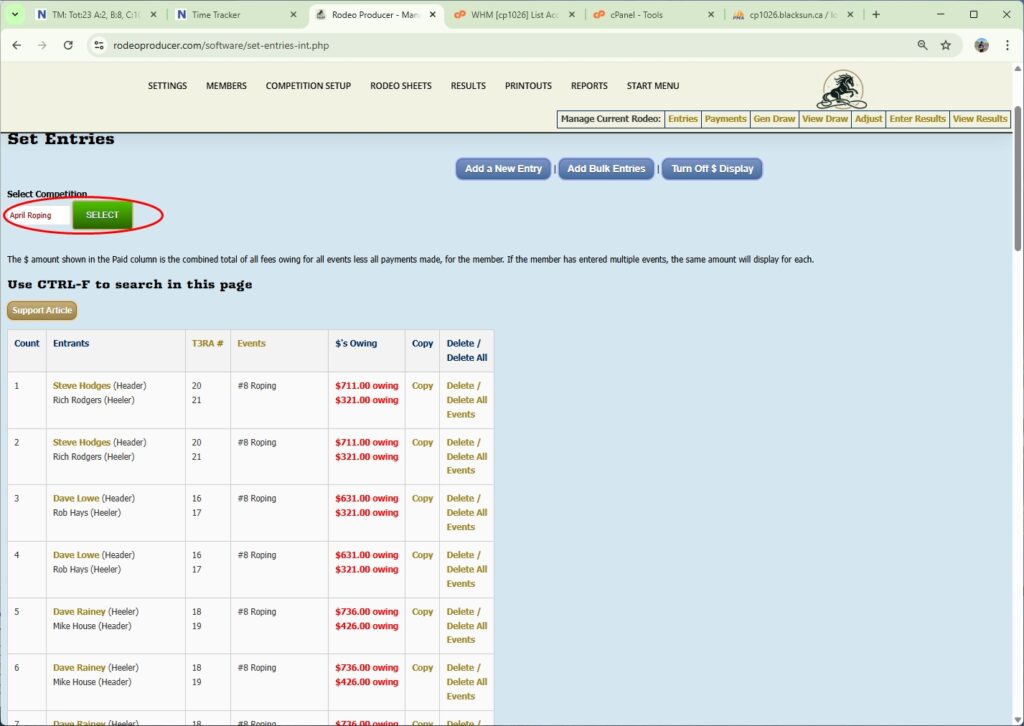
In this chapter, we will talk about viewing and managing entries and editing entries. After your online entries have closed and you have processed any entries via the admin rodeo entry form, we can now go and look at all those entries under Competition Setup > Set Entries. Note: you can do this at any time once you start receiving entries. This is a list by Entries and by Event of what has been entered so far. So w
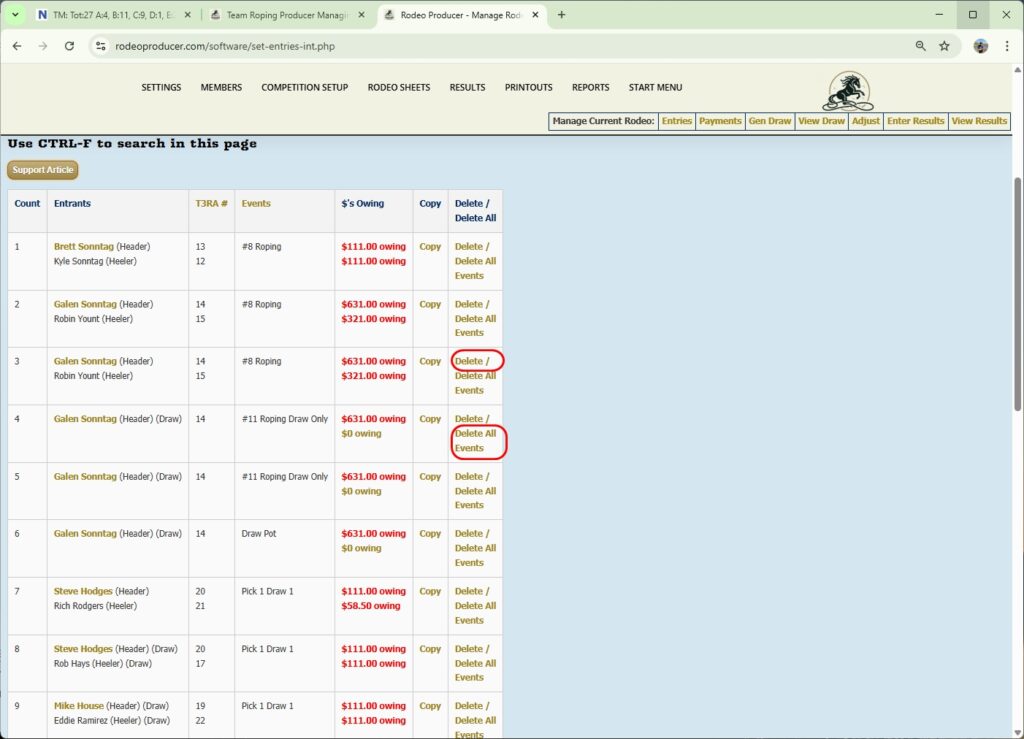
We can see that it also calculates the dollars owing. We see the total dollars owing for Brett here for all of his events. If we look at Galen you see the total is quite a bit higher as I'm entered in #8 Roping, #11 Roping, Draw Pot, so he's in a lot more events and also in the Pick 1 Draw 1.
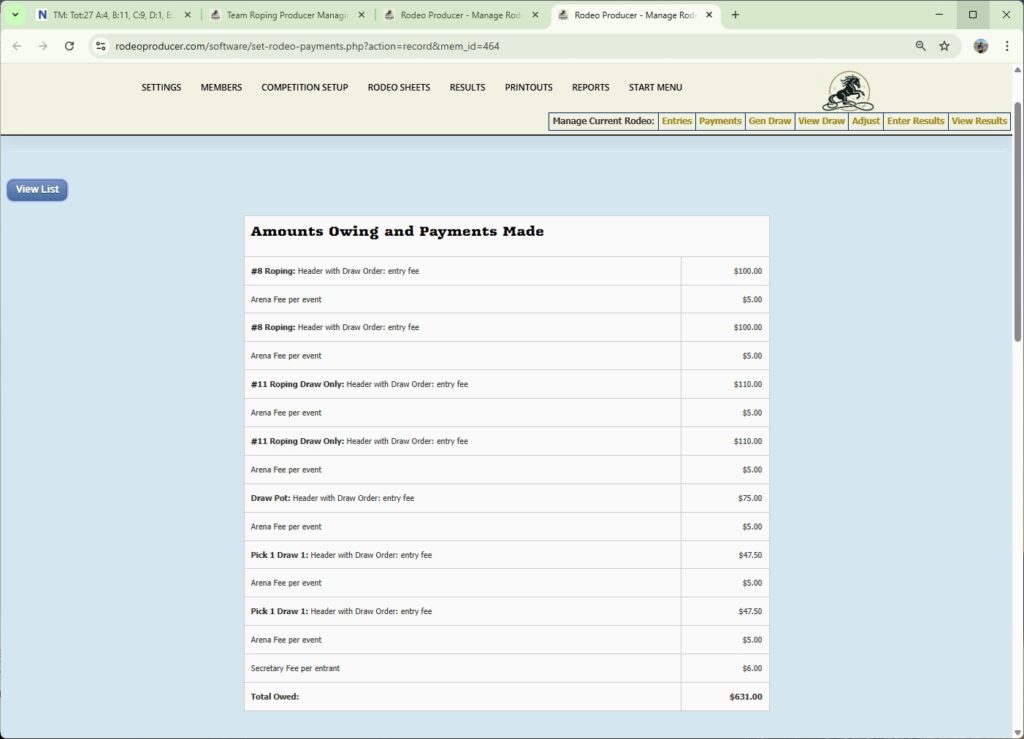
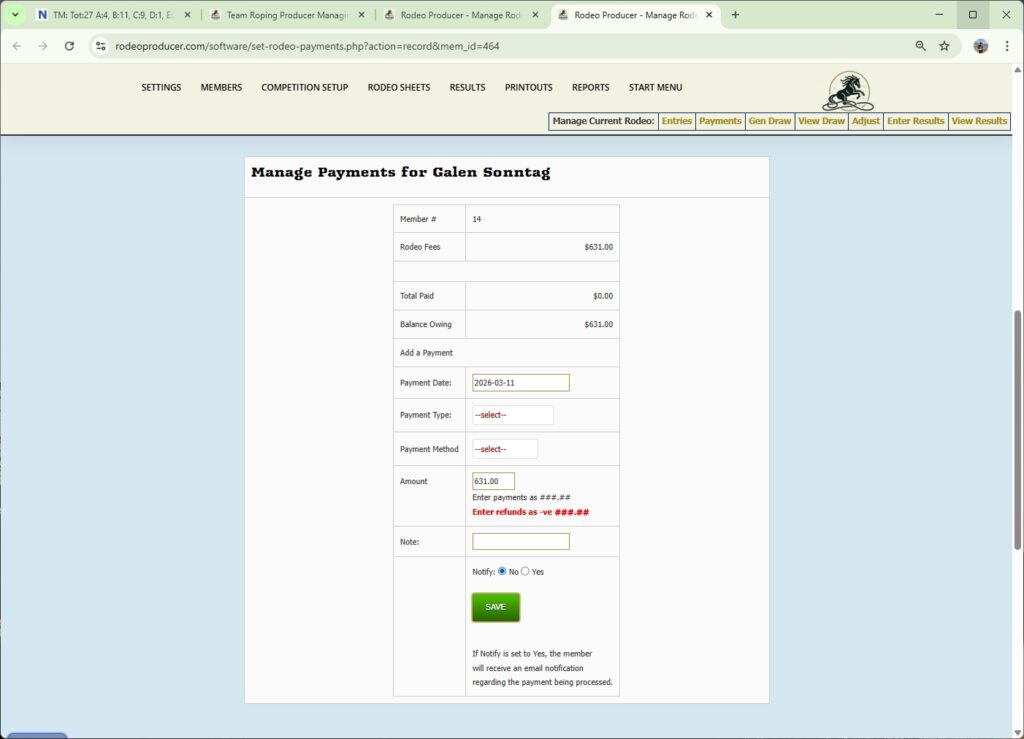
If we click on this dollar amount it takes us to the amount owing and any payments made. We can view the events and any additional fees, that you may be charging per each event or per each entrant. Then if we scroll down we see the total dollar amount. If any payments have been made, they will show up here. You can also use this page to apply a payment. If a member has paid by cash, paid by check, paid by credit card, direct to the organization, then you can record those payments here. If the member has paid directly online, it will automatically be included here. Online payments don't require any management by Admin.
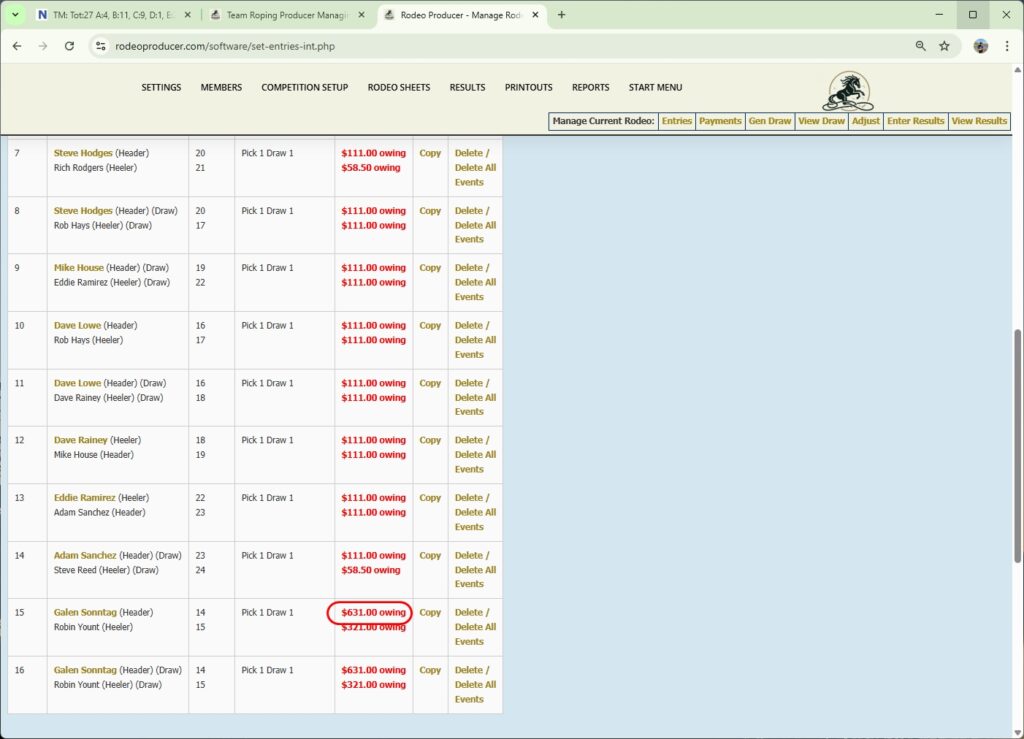
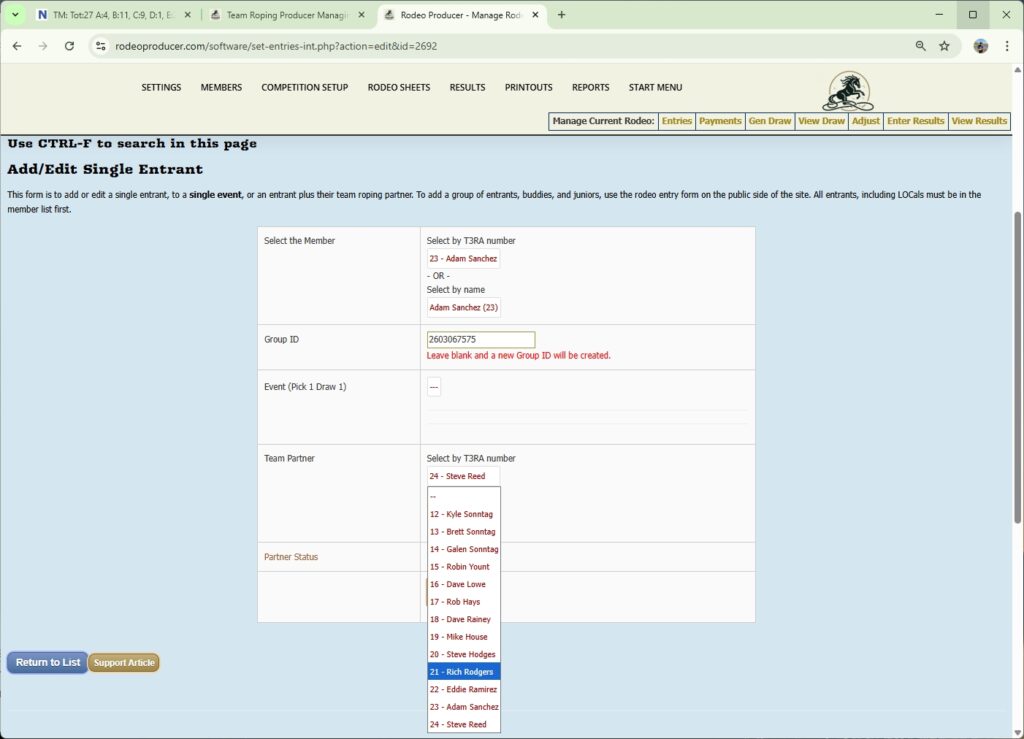
Going back to our entrants list here, we see that we have some of these as teams and some of these entries where it's not a team yet. That's because we haven't ran the draw. That's the way it's supposed to be. As we scroll down the list to Pick 1 Draw 1, let's take a look at the team entry for Adam Sanchez and Steve Reed. If we want to view this entry in more detail, we can click on lead entrants name.
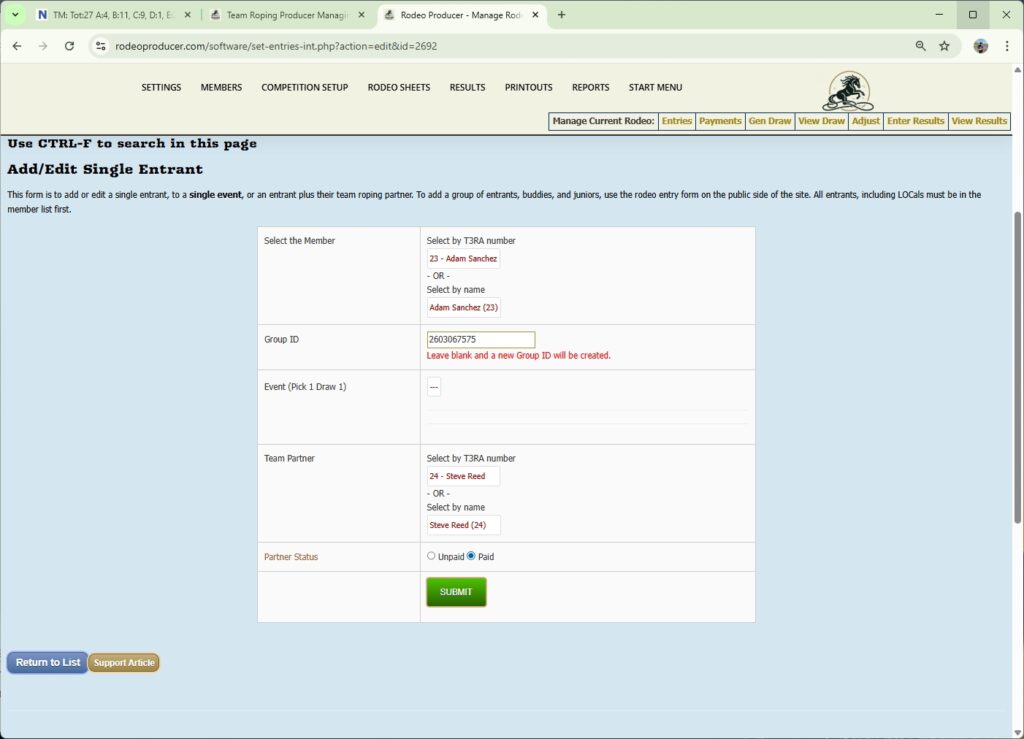
That's going to bring up our edit form here. We can make changes to entries if needed. We can change them to a different event. If we did this, it would move both the lead member as well as the roping partner here, this team would be moved to a different event if that's what we wanted. We can swap the roles by changing the lead entrant to the healer. That automatically changes the team partner to the header role. We can pick a different partner. If we needed to move out Steve Reed and put in Rich Rogers, we simply make that change and we hit Submit.
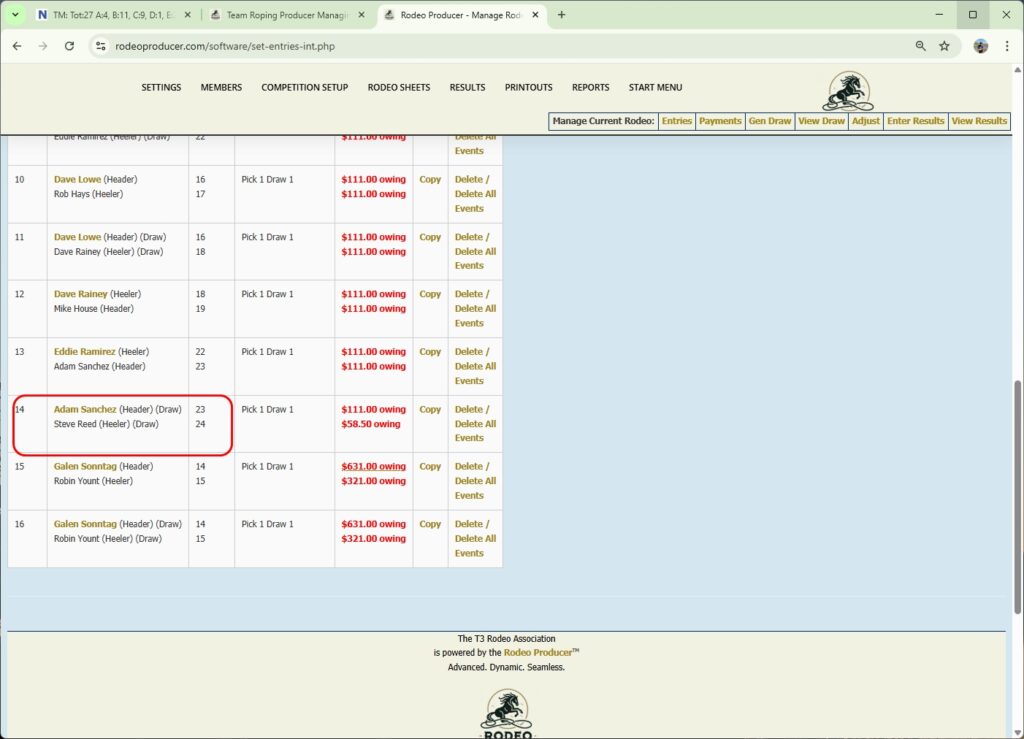
If somebody has made an entry error, you can delete that entry. If somebody needs to be deleted out of all of their entries, you can delete from all events right here.