
Introduction
Hello and Welcome to the Introduction to the Rodeo Producer User Guide. In each Section we will demonstrate how to use the many features of the Rodeo Producer, which we will simply refer to as RP or RPS (for Rodeo Producer System). Each Chapter is only a few minutes long so you can learn about how to use RP at your own pace. In addition to these support pages, we also have each Section and Chapter available as a video on our Rodeo Producer YouTube Channel.
Rodeo Producer is a web based Rodeo Management tool for Junior rodeo associations, High School rodeo associations, Amateur rodeo associations and Professional rodeo associations. We took all the experiences and learnings from rodeo management software we built in 2014 for the rodeo industry and we have re-written and redesigned from the ground floor. With each new association, there are often new feature requests. We simply add these new features and include them as standard features available to all organizations.
As I said, RP is web based, that is, it operates in your devices web browser, whether that device is a laptop, a tablet or any smart phone. There is no software, no app, to download to your device. We built it this way to be universally available to all users and when we make an update or add new features, it is automatically available to all.
There are two sides to RP, the Admin side and Member side. You can think of the Admin side as the features and controls that only the rodeo association admins have access to, so they can run the rodeos and rodeo season. The member side is what is available to the public, without any need to login.
On the Member side, members have access to: - Rodeo Schedule – this is the default view and provides access to most of the rodeo specific functions such as entering a rodeo, viewing the draw, and results - Members – registration, renewals, view and manage your member profile - Draws - Rodeo Results - Standings
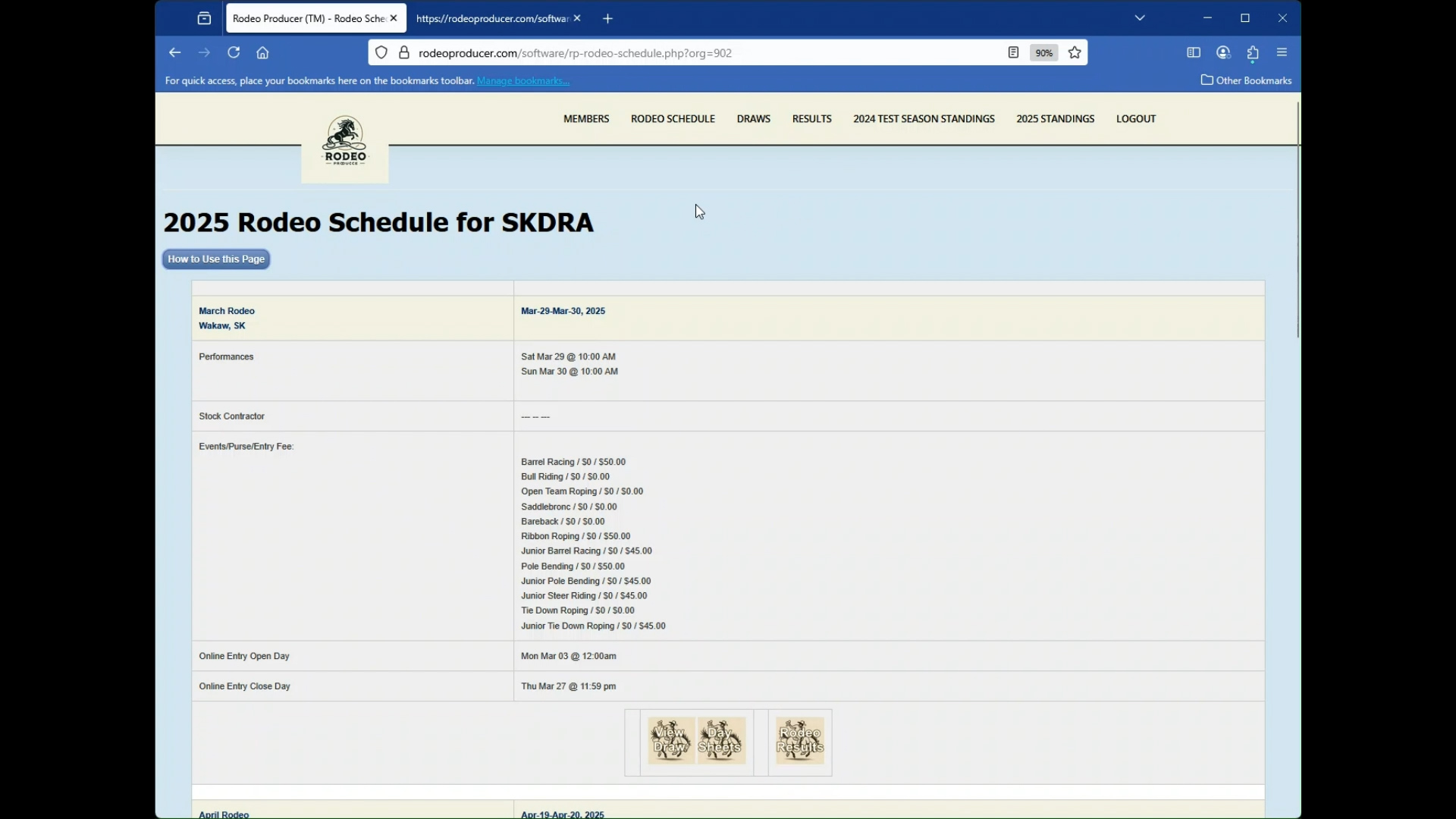
This user guide is for the Admin side, so we will now switch to the Admin view.
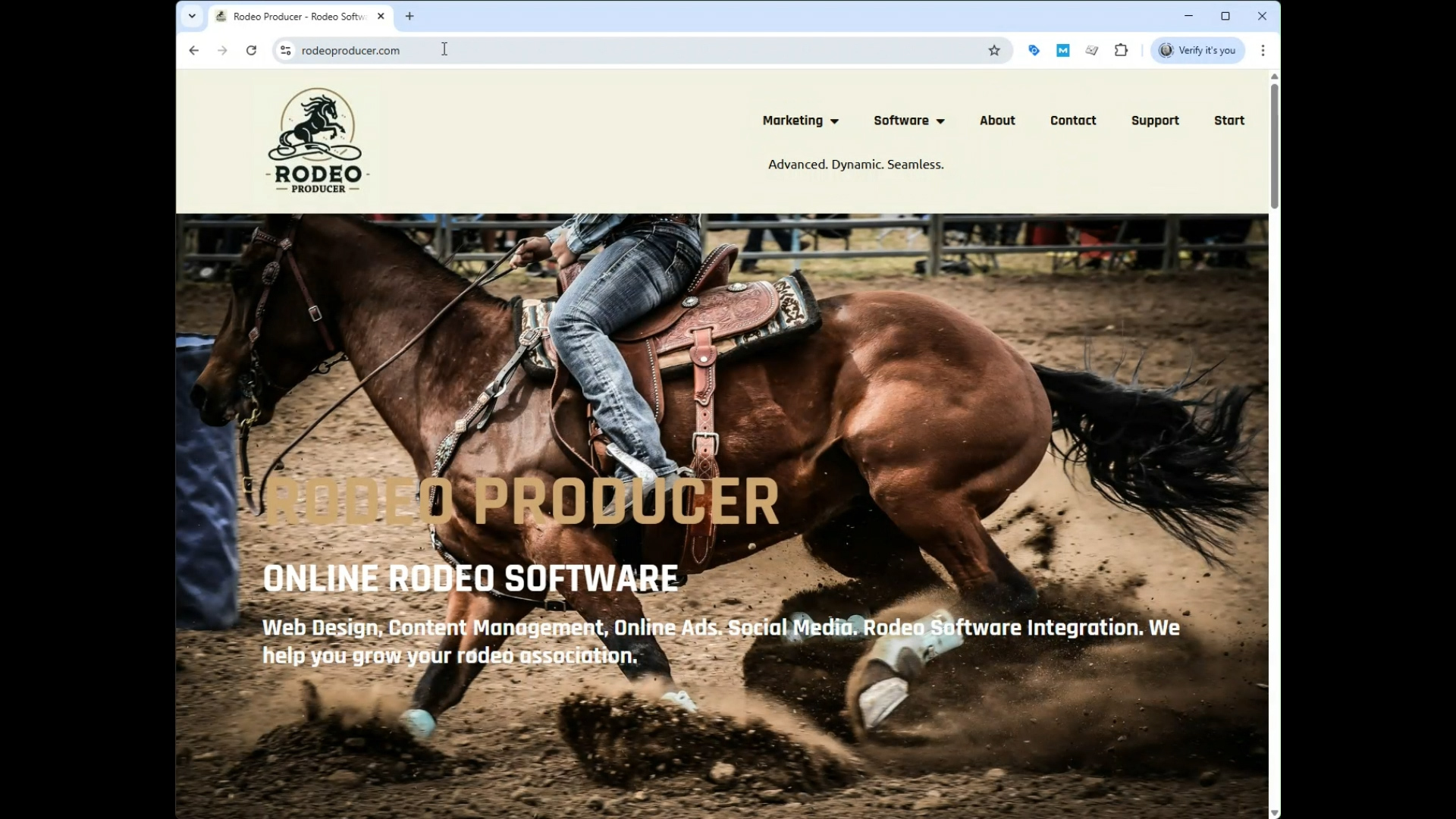
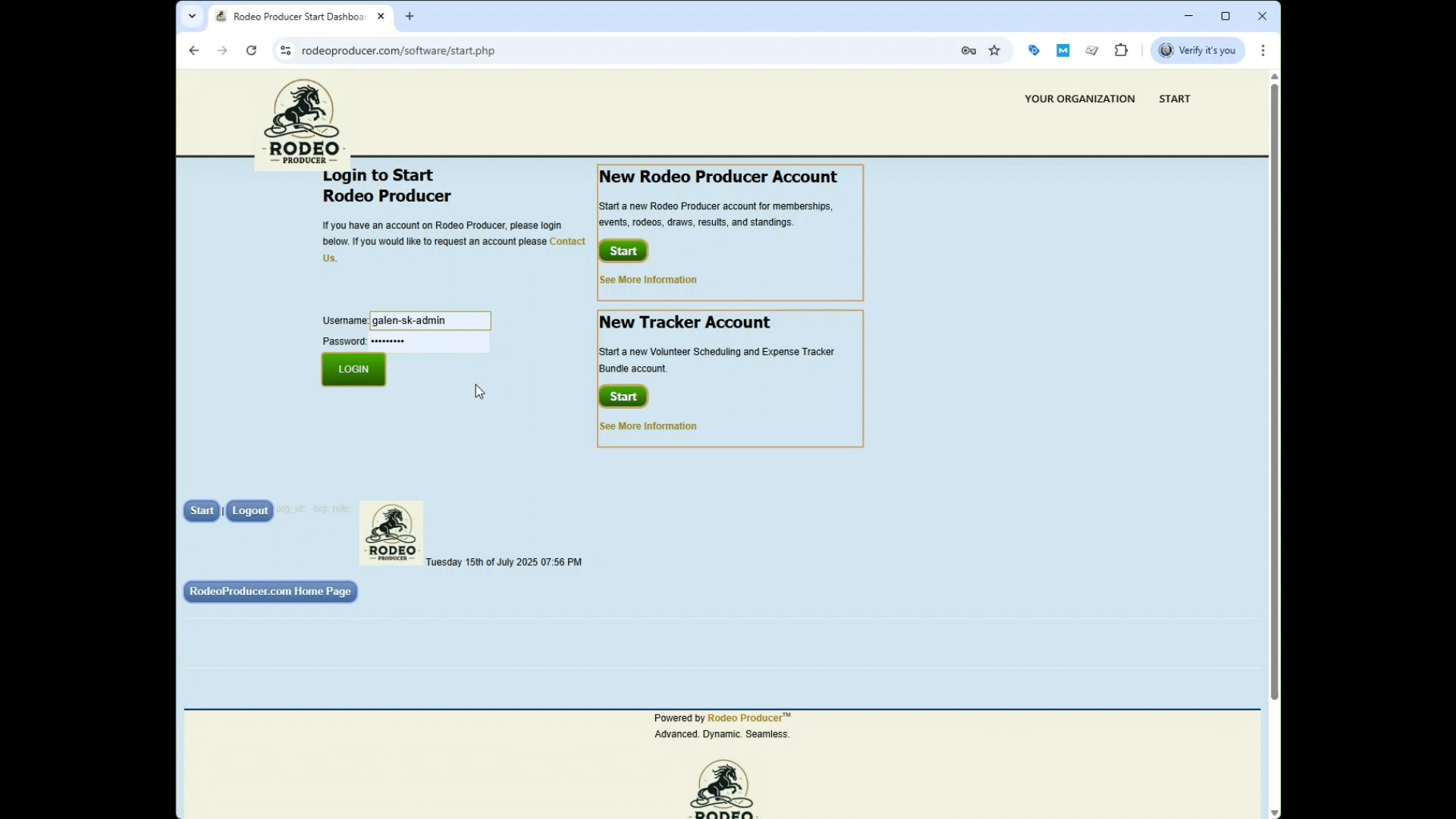
To login to your admin account, begin at rodeoproducer.com, click the Start menu link and then enter the user name and password assigned when you set up your account.
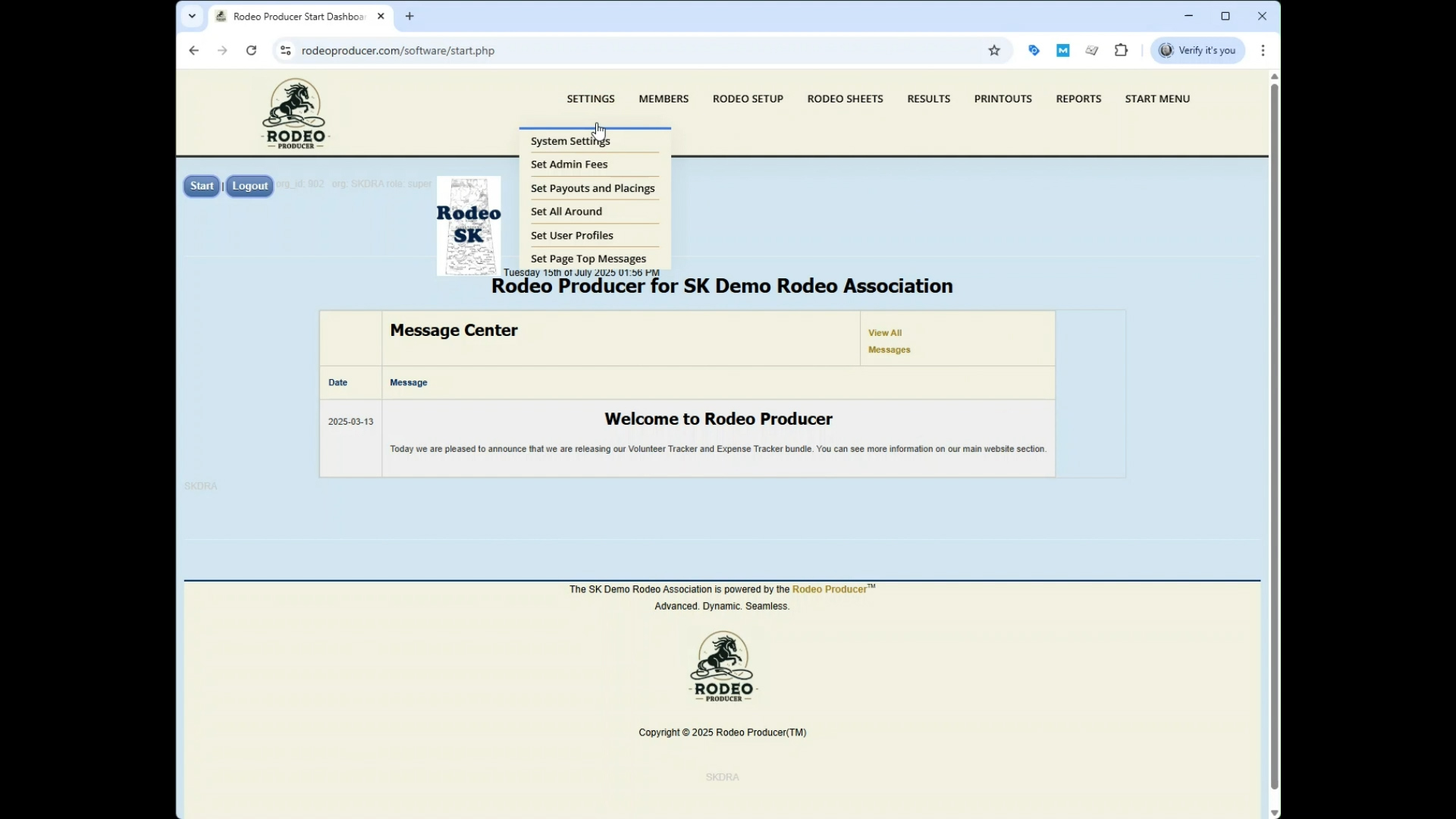
This was sent to your email. When you log in, you are in the RP Start Dashboard, available only to rodeo admins.
- Settings, configure the system - Members, from here… - Rodeo Setup, create and organize your rodeos including events, entries, draws - Rodeo Sheets, view the reports you will be using in preparation for and on rodeo day - Results, enter scores and times then calculate points and payouts, then view rodeo results and season standings - Printout (post – rodeo), print cheques, print receipts - Reports, these are some lesser used reports, including rodeo specific reports and full season reports - Start Menu, is where you access the member view, the user guide, your account status and request help when you need it
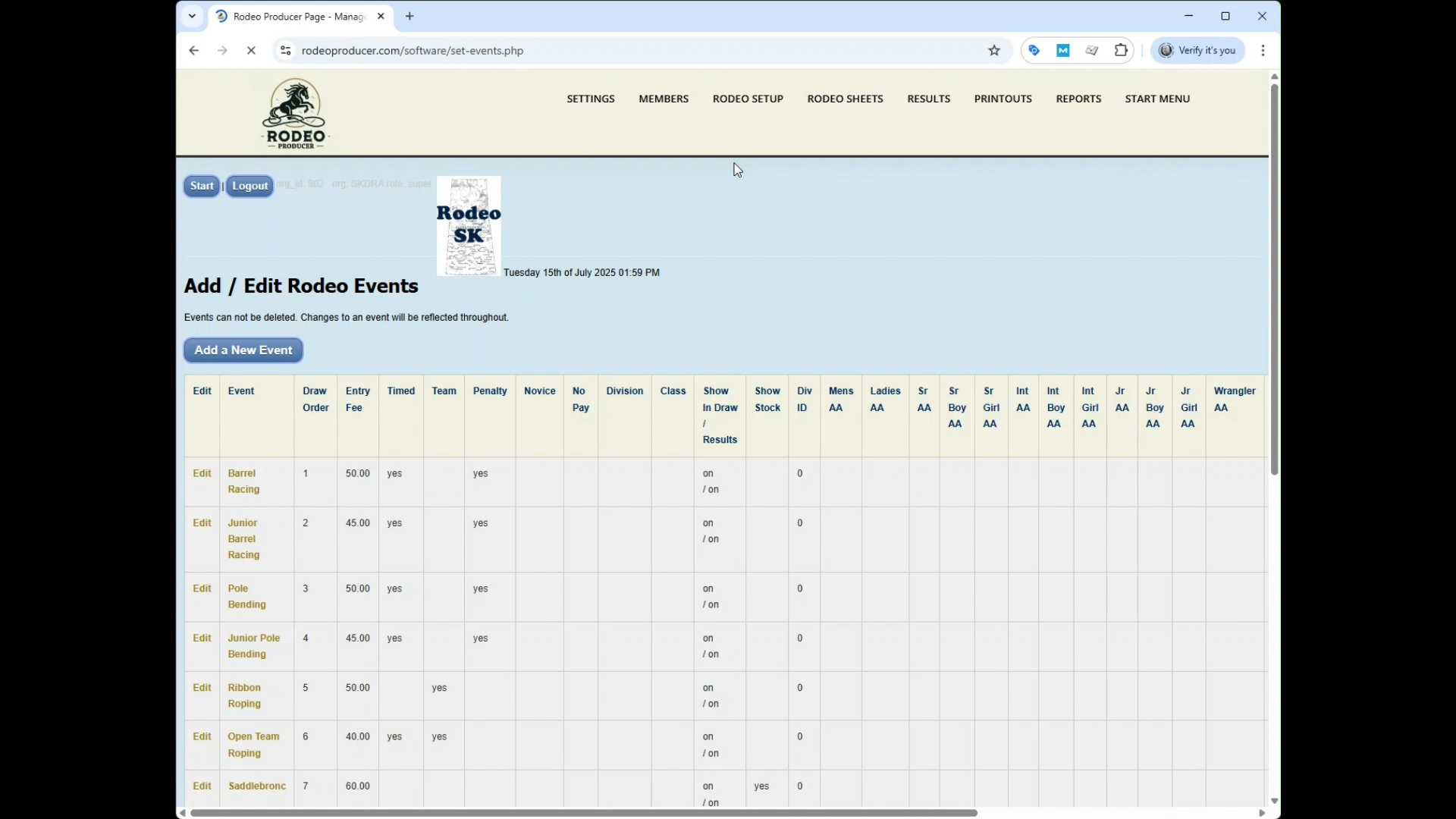
We have already entered some test data into our test account - events (12), a mix of timed events, team events, and rough stock events - rodeos (4), 3 which have been completed and have entries, draws, and results - members (18), split between the junior and senior divisions - stock animals for the rough stock events We will be using this data as we demo the Rodeo Producer system for you.
Thanks for viewing our quick introduction to the Rodeo Producer.