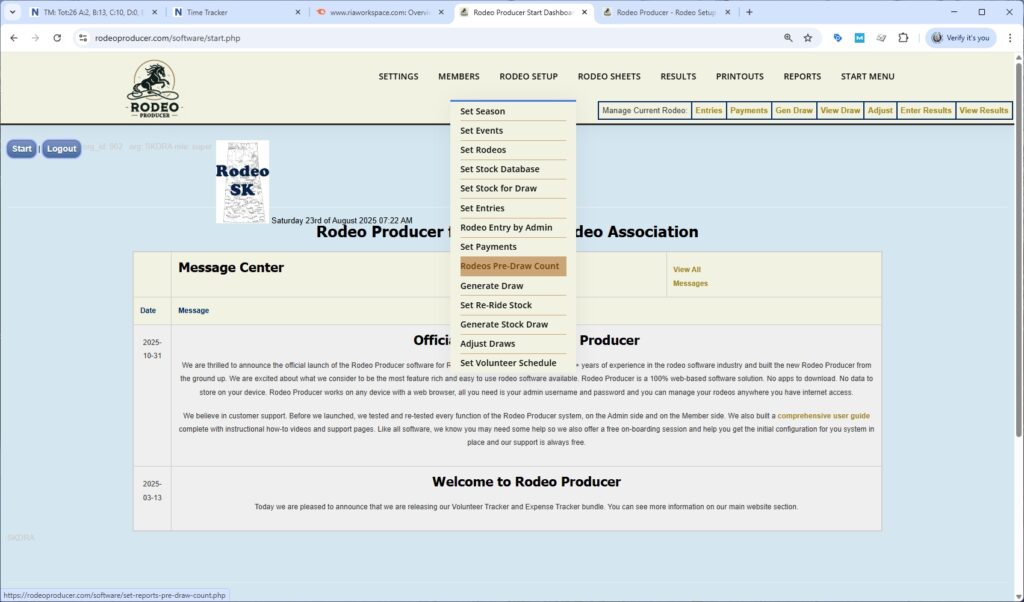
This chapter is a very quick chapter, a very short chapter on the pre-draw count. We'll go to Rodeo Setup > Rodeo Pre-draw Count and we will select our rodeo.
What this is intended for is to provide you information which you can share with your stock contractor which shows a count of entries per each performance per event in advance of the draw being generated. Several days to a week prior to the rodeo, the number of stock animals that would be needed at your rodeo can be provided to the stock contract so they have time to get their stock all sorted out. This report shows the performances and the number of entries.
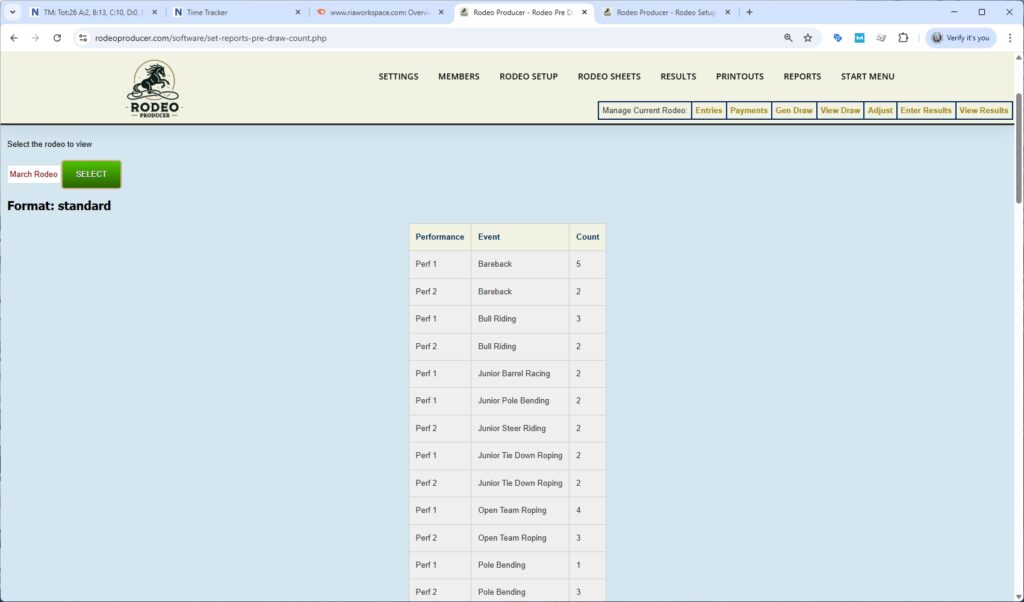
It is not just limited to the events that require stock. It's sorted by event and then by each performance and the count is the number of members who have selected this performance as their preference. It allows the stock contractor to expect or to predict what may be needed. Some conversation back and forth between the stock contractor and the rodeo admin may occur as necessary regarding how many animals they will need to bring to the rodeo including re-ride stock. The rodeo admin can also use this information to balance out the number of entries between performances within an event. You can do that in the draw generation settings where you can set a max number of entrants in performances and then RP will shift some of the entrants between performances.
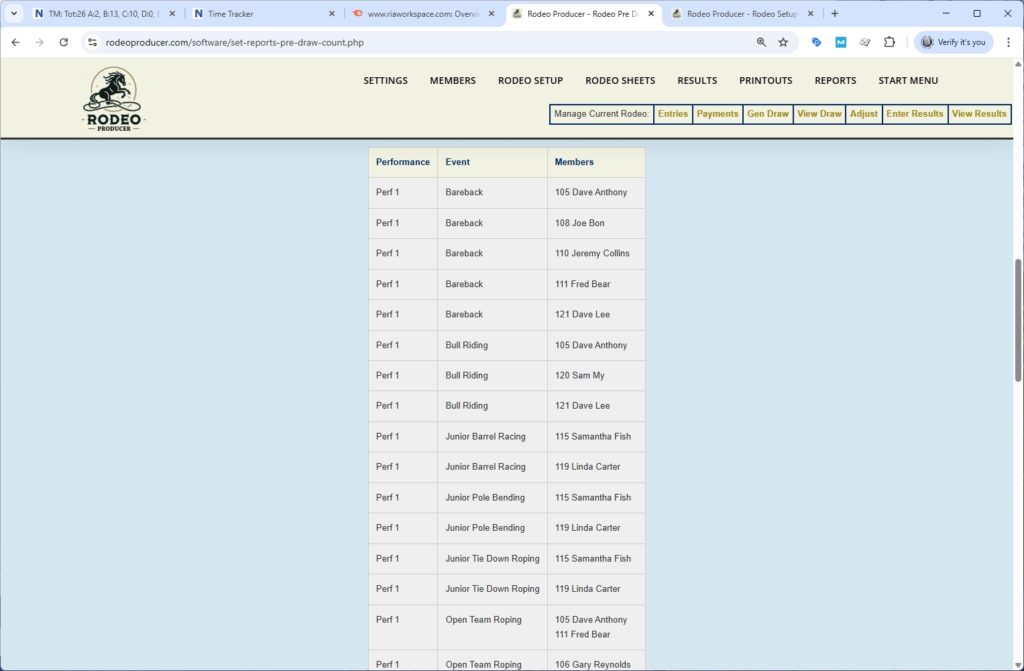
Below the table of performances and entry counts is table of members entered into each event and performance which you can also use for your planning purposes.