
Welcome to section four of the rodeo producer user guide. In this chapter, we will be covering rodeo seasons. To get started from rodeoproducer.com, click the start button. We have already logged into our demo rodeo association and then we will click Rodeo Setup > Set Seasons.
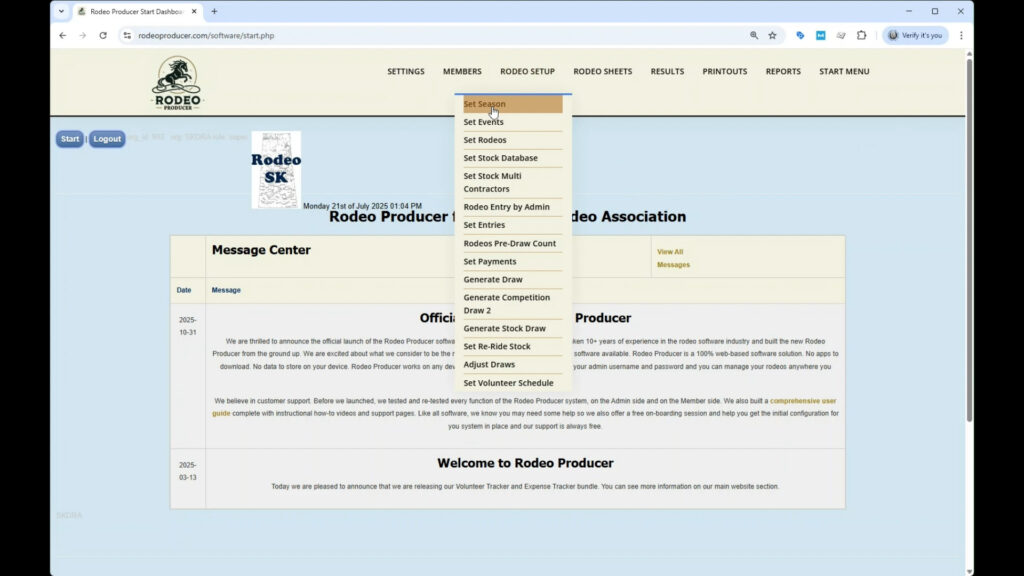
The way we define a season is a period of time with a defined start and end date and a set of rodeos for which there is a set of season standings. A season does not have to correspond to a calendar year. It just needs to start on a defined date and end on a later date. It can span across two calendar years, such as a typical high school rodeo season, which will begin in August and end the following May.
You can only have one season active in Rodeo Producer at a time, even though you may have several seasons stored in your account. The same rodeo season will be active on the admin side and on the member side. A rodeo season also corresponds to the status of a membership. If the season has ended, the membership will need to be renewed prior to entering rodeos in the next season. When your rodeo producer account was first created, there would have been a season created at the same time. To select the season, you simply go to the list and choose the season and then click the set season button.
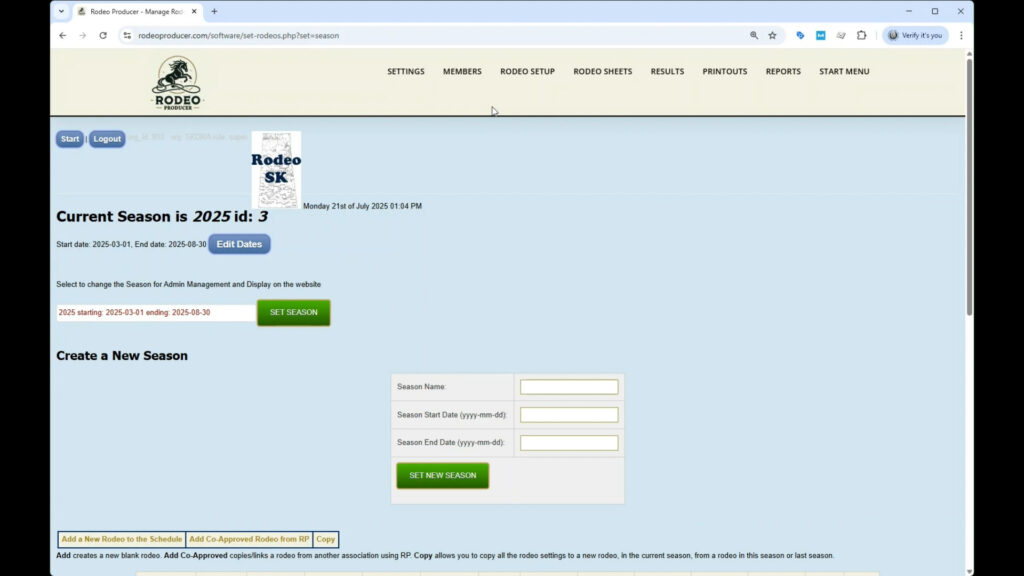
You'll notice that the rodeos for for the current season are shown down below.
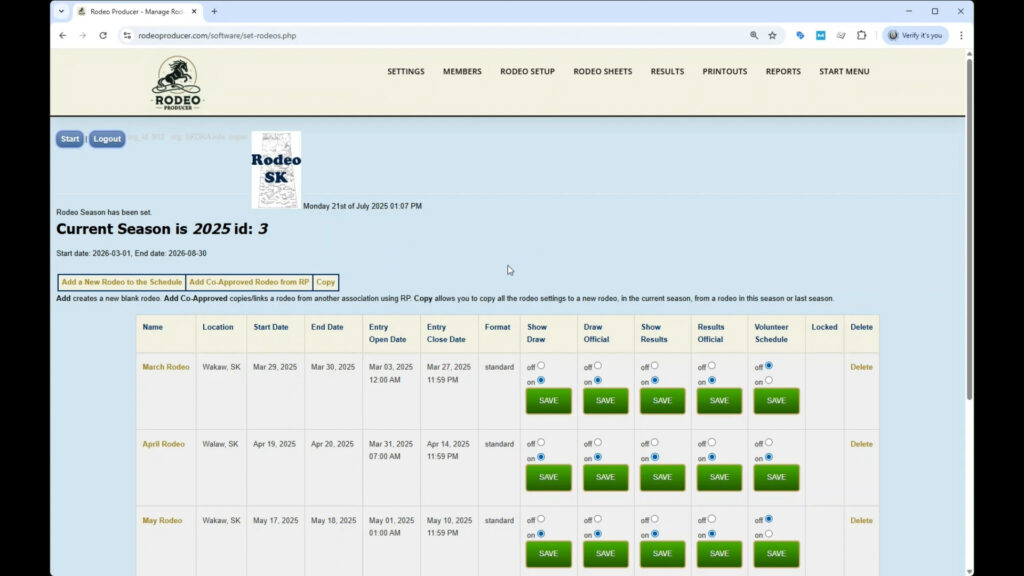
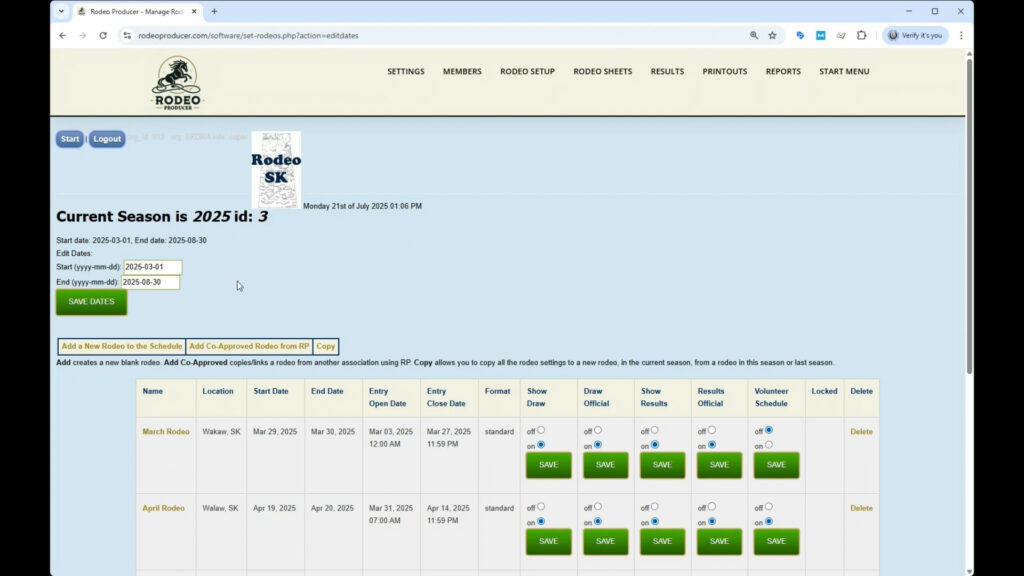
We will leave ours set to the 2025 season. You can edit the dates of the season simply by clicking the edit date button, and this will allow you to change the start and end dates and then save the dates.
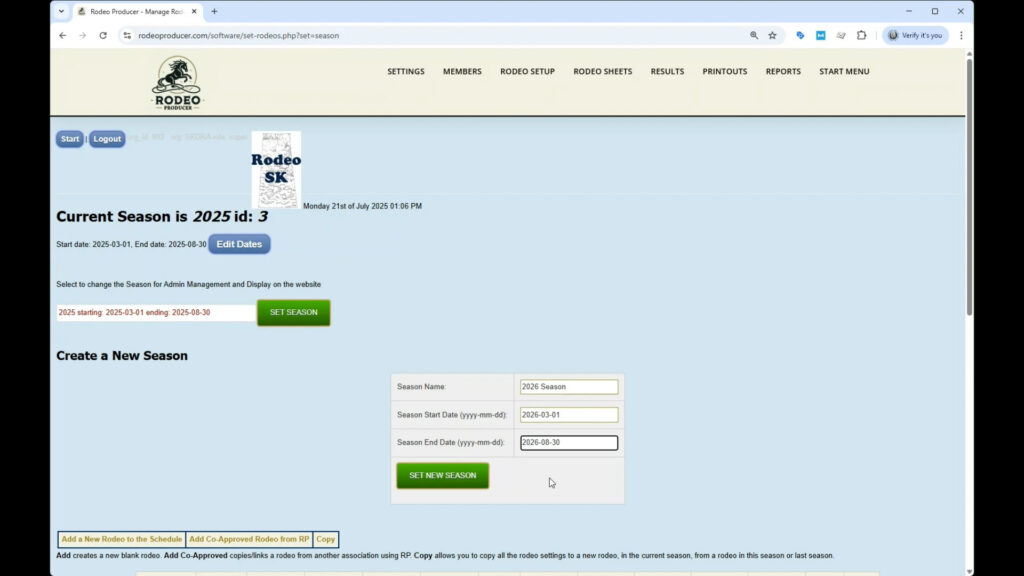
If you wish to create a new season, simply enter a season name. We'll call this one 2026
season. We will enter a start date uh we'll just move it ahead of year of 2026
and 2026 August 30th. And we would set the new season.
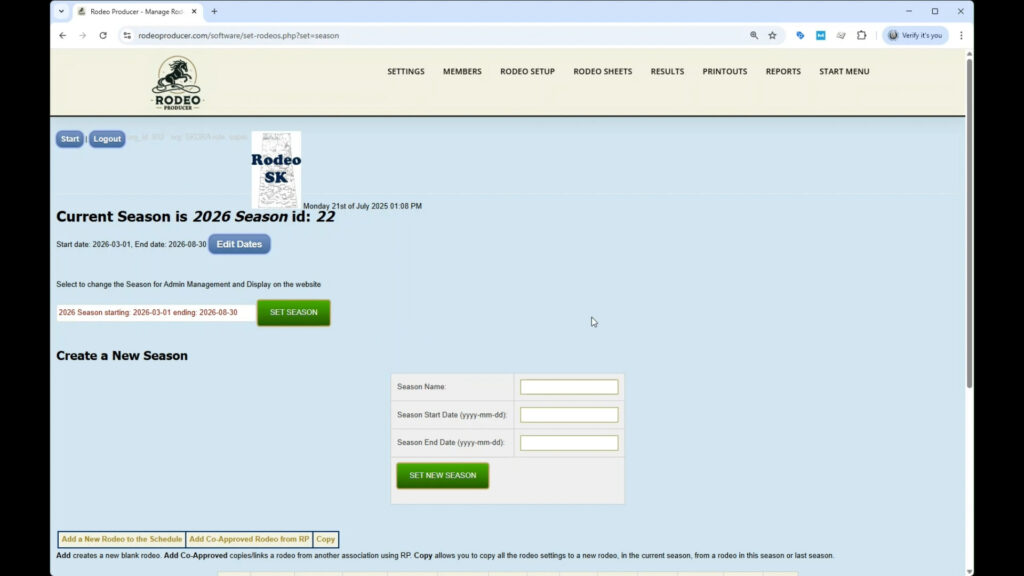
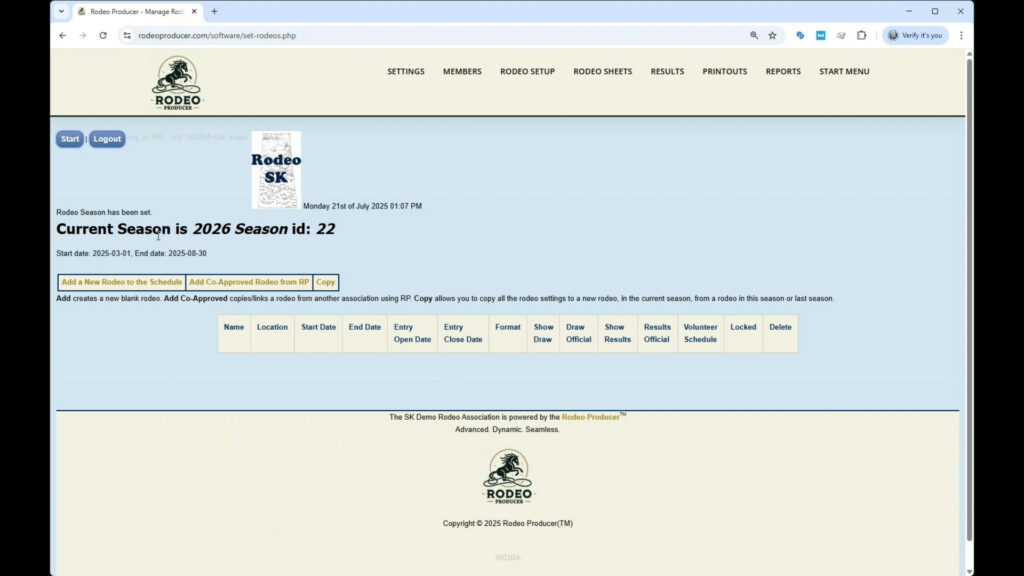
And now you will see that we don't have any rodeo showing because there are no rodeos in the current season of 2026.
We can go back and switch that to the 2025 season. We just choose the right one and set the season and we will be viewing all of our 2025 season rodeos again. So, if you are in the 2025 season and you go to work on the 2026 season, then your members will not be able to access 2025 rodeo information. If you need to work on a future season, we would suggest do that during an off time or inform your members uh that the current season is unavailable for a short period of time.